
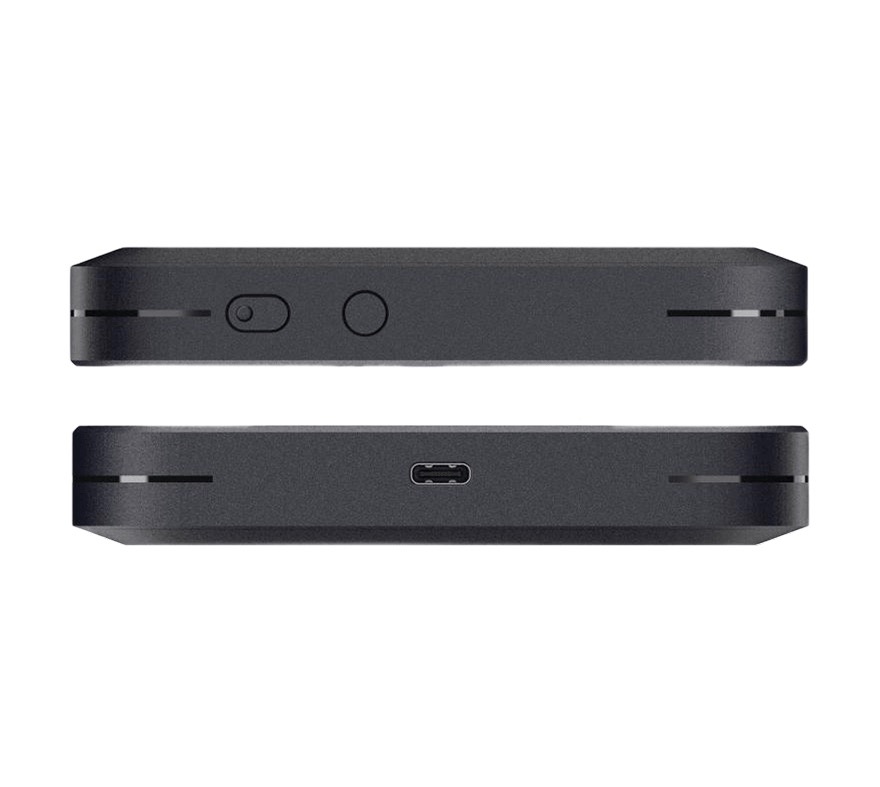
- Cat6 LTE Speed
Enjoy blazing-fast download speeds up to 300Mbps with LTE-Advanced technology for smoother streaming, video calls, and file transfers. - Dual SIM Flexibility (Nano SIM + eSIM)
Switch easily between local SIM cards and global eSIM plans-perfect for international travel and business continuity. - Dual-Band WiFi
Supports 2.4GHz and 5GHz WiFi for improved performance, stable connections, and less interference. - Long Battery Life
A Built-in high-capacity battery ensures all-day connectivity, ideal for mobile professionals and outdoor users. - Easy Setup & Smart Management
Connect up to 32 devices with one touch, and manage network settings via an intuitive web interface or mobile app.
M54 | Cat6 4G LTE Portable WiFi Hotspot with eSIM & Nano SIM
Product Overview
Stay Connected Anywhere
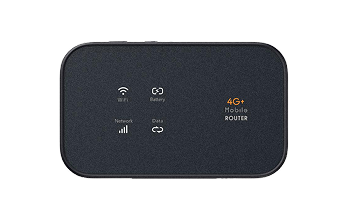
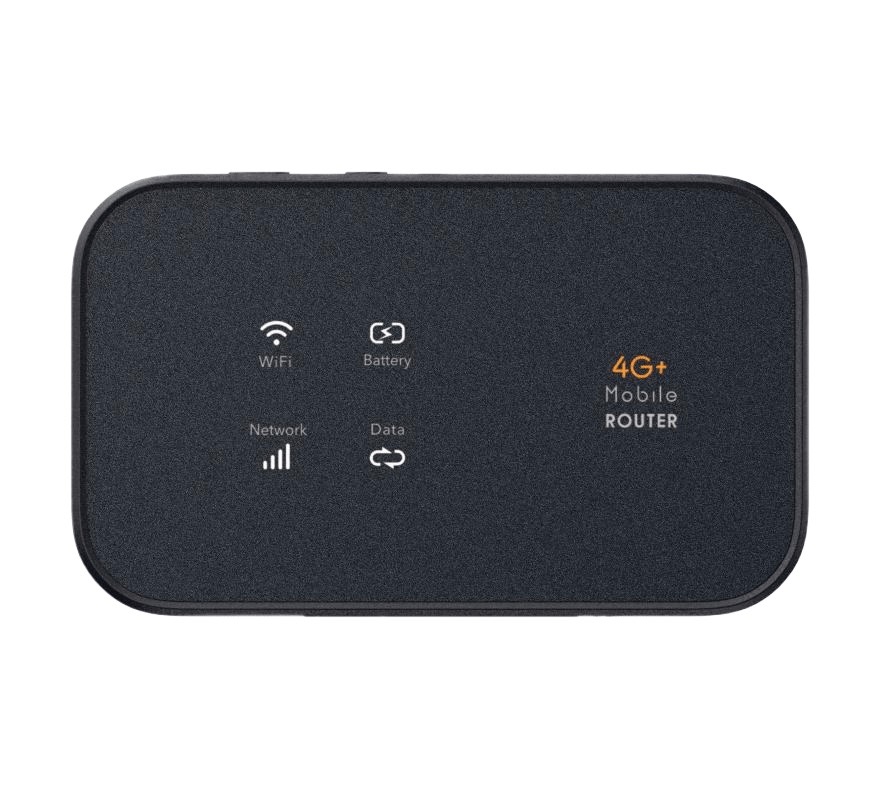
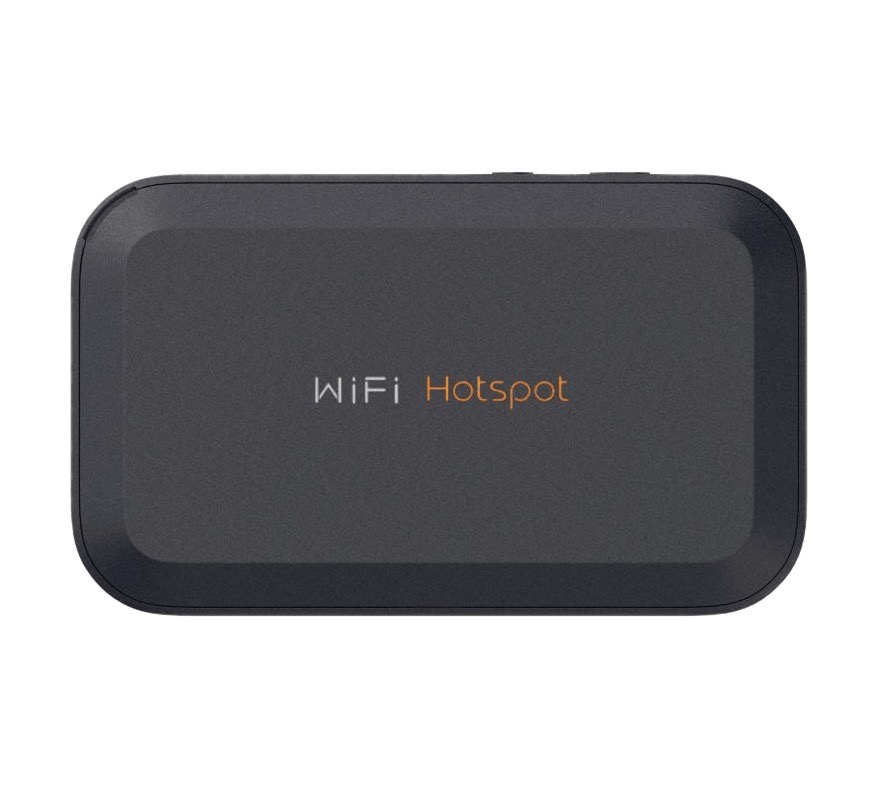
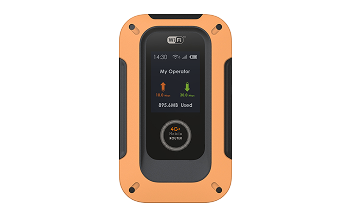
The Wewins M54 is a powerful Cat6 4G LTE portable MiFi router designed for fast, reliable connectivity on the go. Featuring both Nano SIM and eSIM support, the M54 offers unmatched flexibility for travelers, remote workers, and business users who need secure internet access anytime, anywhere.
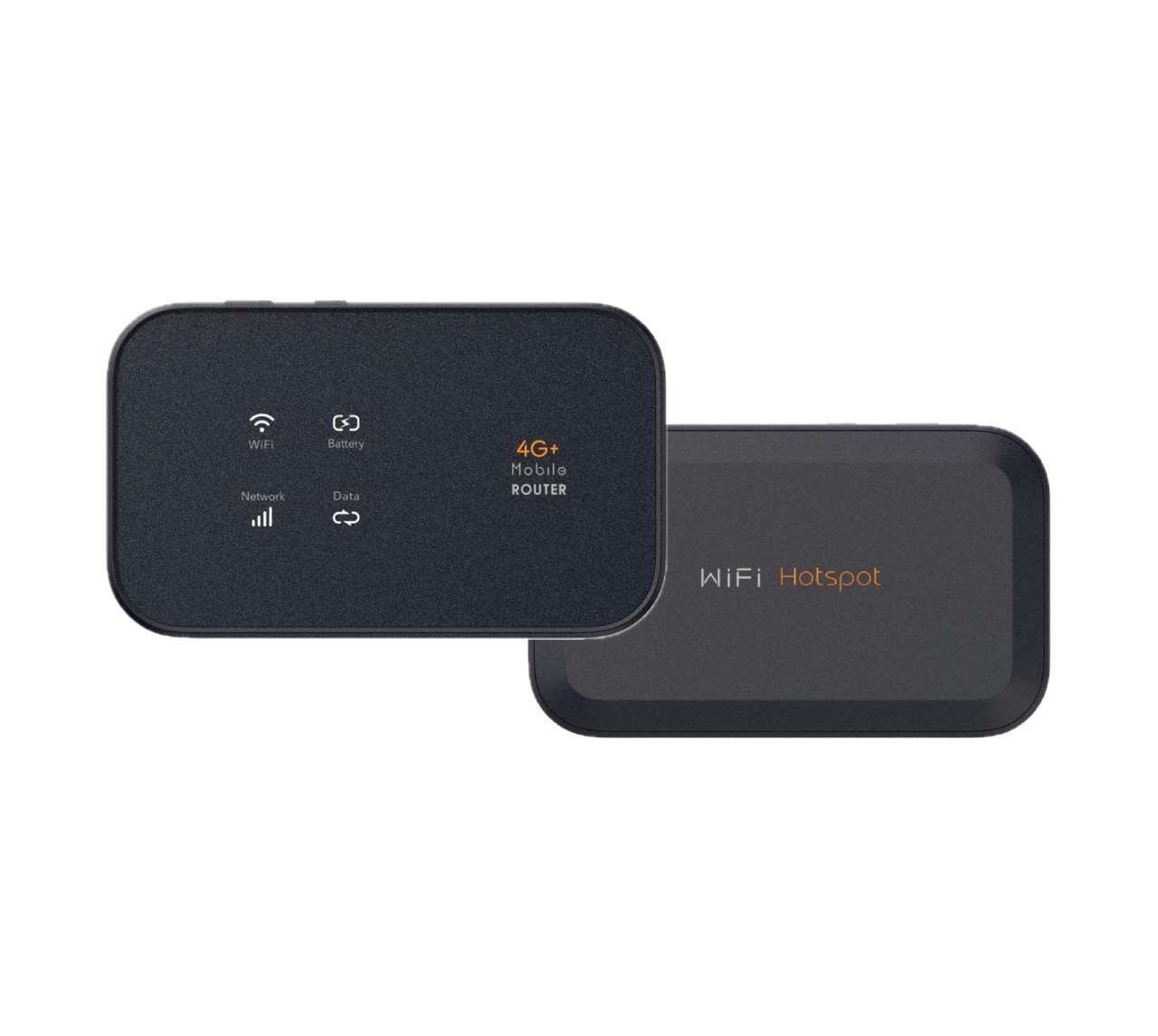
4G Portable MiFi-M54
Fast, Secure LTE Cat6 Connectivity
Key Features of Wewins 4G LTE MiFi Router
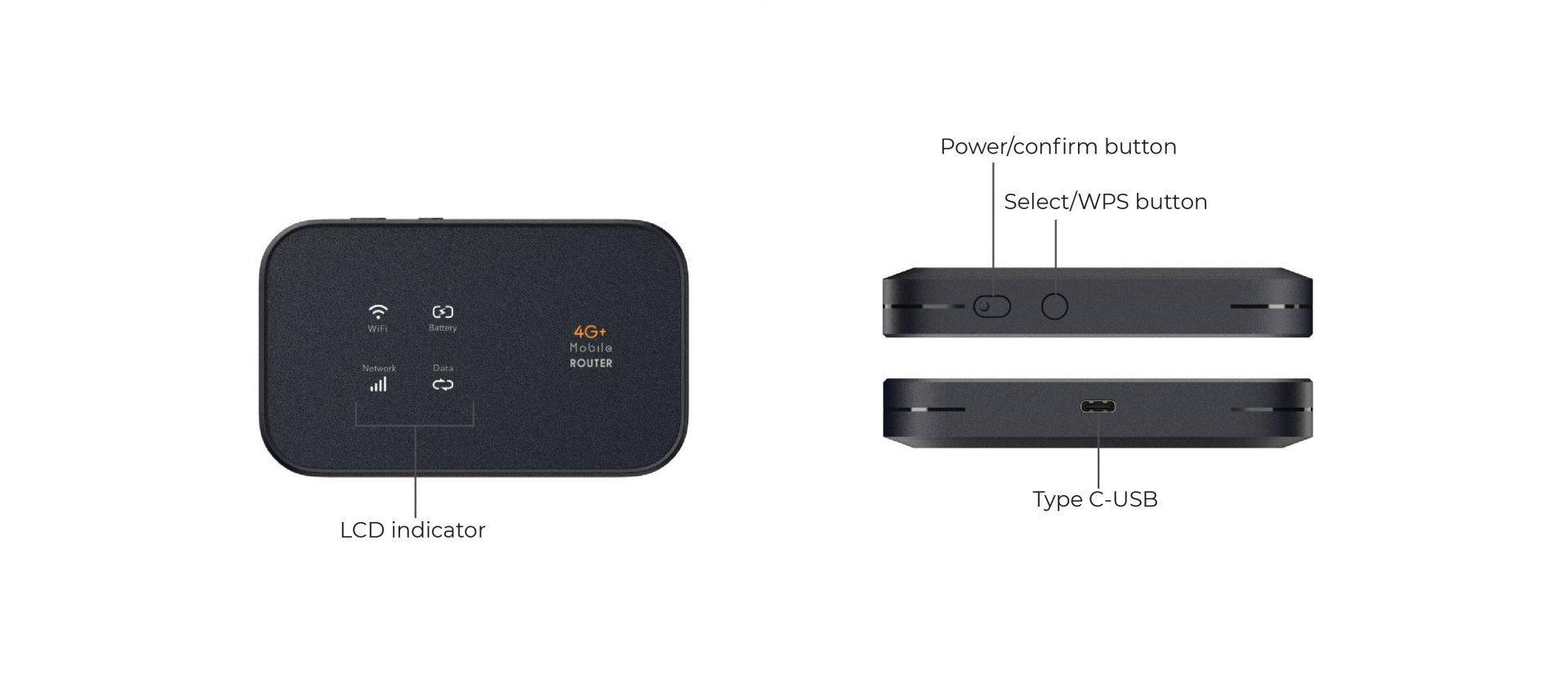

LTE Cat6 300 Mbps

Global SIM & Band Support

SMS & Contact Management

USB Tethering Ready
Up to 10-Hour Battery Life
FOTA & Local Upgrades
Application Scenarios

The Wewins M54 is engineered for dynamic environments that demand portable, high-speed LTE connectivity.
Whether you're working remotely, managing a mobile office, hosting a temporary event, or deploying IoT devices, the M54 delivers reliable dual-band Wi‑Fi and Cat6 LTE performance wherever you go.
Ideal for retail shops, field operations, pop-up stores, and enterprise backup networks, the M54 combines mobility, security, and remote management—making it a versatile solution for modern wireless needs.
Why Choose the Wewins M54
The Wewins M54 combines Cat6 high-speed connectivity, dual SIM (Nano + eSIM) flexibility, and long battery life in a compact design.
With dual-band WiFi and smart management, it keeps you connected smoothly-whether you're working, traveling, or relaxing on the go.
Frequently Asked Questions
Make sure the built-in battery is charged. Charge your portable LTE hotspot within a safe temperature range of 0℃ to 40℃. After charging, try powering the device on again.
Check that the Nano SIM card is correctly installed and the device has a strong LTE signal in your area (refer to network status). Ensure your SIM card’s mobile data plan is active and has sufficient balance. If issues persist, contact Wewins customer support.
Verify the Wi-Fi network name (SSID) and password are entered correctly (case sensitive). Confirm that MAC address filtering is disabled on the device. If connection problems continue, press the reset button to restore the factory settings.
Press the reset button to restore factory defaults. The default SSID is printed on the device label, and the default password is blank (no password).
Ensure your power adapter and USB cable are functioning properly. We recommend using a 5V/1A adapter with the original USB cable supplied with the device for reliable charging.
Specifications
| Item | Description |
| Cellular rate | DL 300Mbps, UL 50Mbps |
| Display | 1.77 Inch TFT LCD |
| Battery | 4000mAh |
| Wi-Fi Standard | Wi-Fi 5 |
| Max Wi-Fi Connections | 32 |
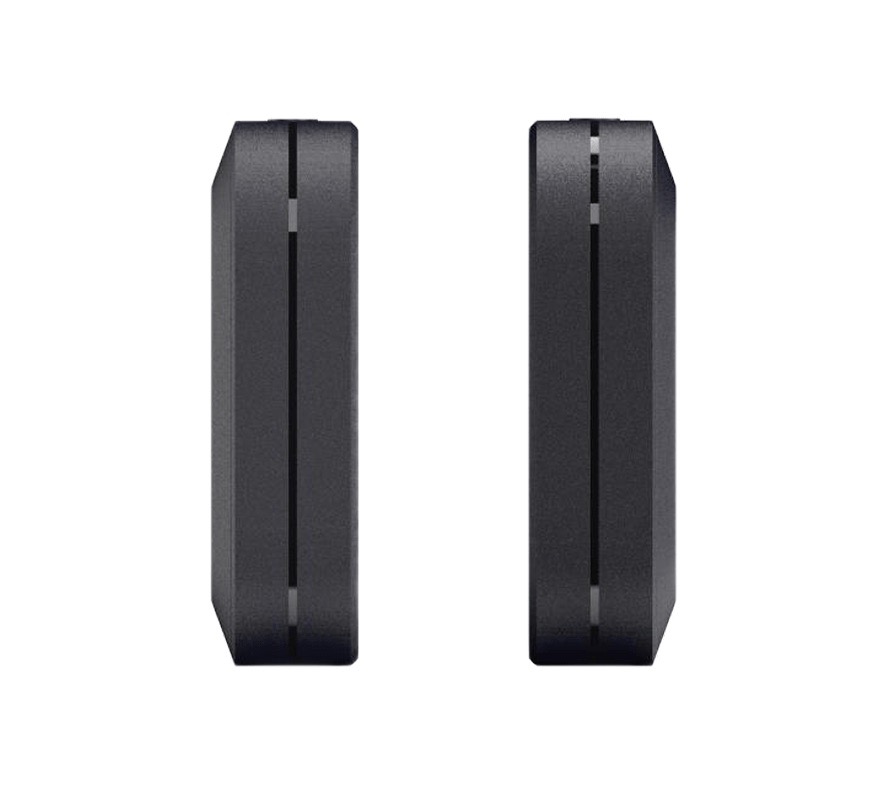
| size | 110×66×18.5mm |
| Weight | 140g |
M54 Technical Documentation & User Guide
M54 4G LTE Enterprise Mobile Router Technical Manual
Download the complete technical documentation and user guide for the Wewins M54 4G LTE Enterprise Mobile Router, including hardware specifications, configuration instructions, and deployment guidance for enterprise networks, field operations, and backup connectivity.
This document includes:
- Supported LTE bands and RF / wireless performance overview
- Hardware specifications and interface layout
- Power input and environmental operating conditions
- Web UI / configuration and network management
- Typical deployment scenarios: enterprise WAN backup, mobile offices, and field connectivity
Looking for a different form factor?
Explore the M53 model designed for light travel and essential connectivity.
Get a response within 24h
 English
  Français
  العربية
  Español