
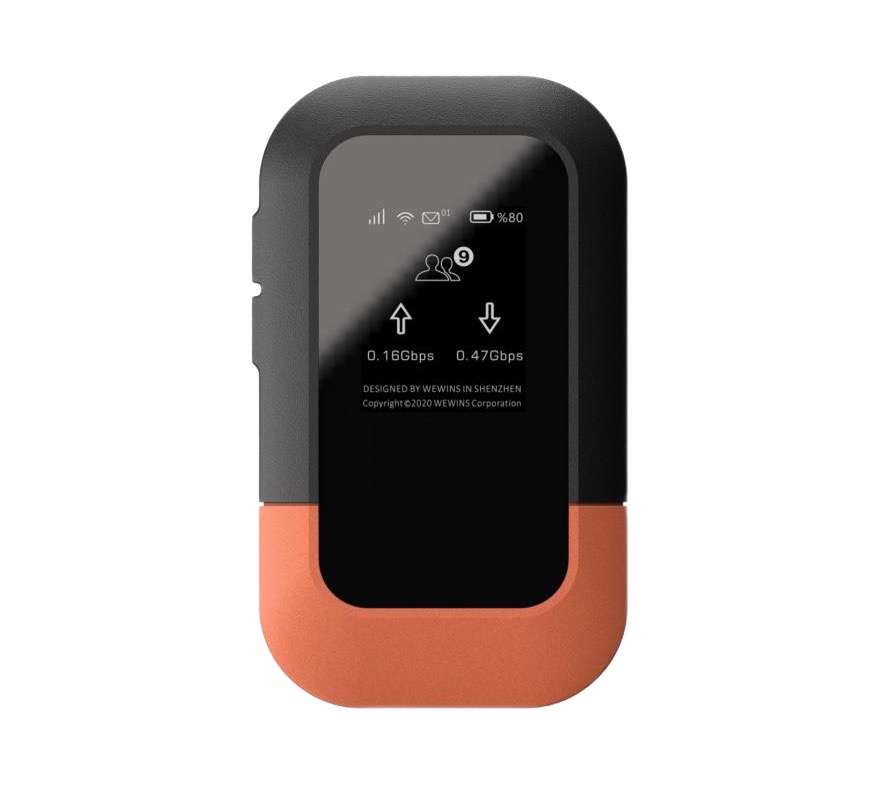
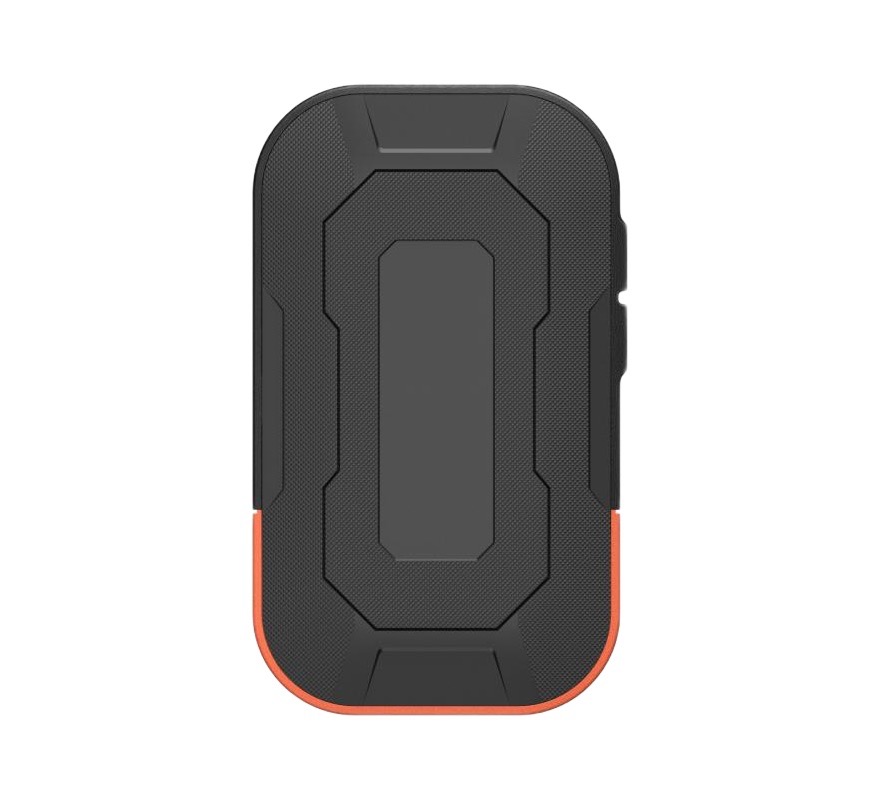
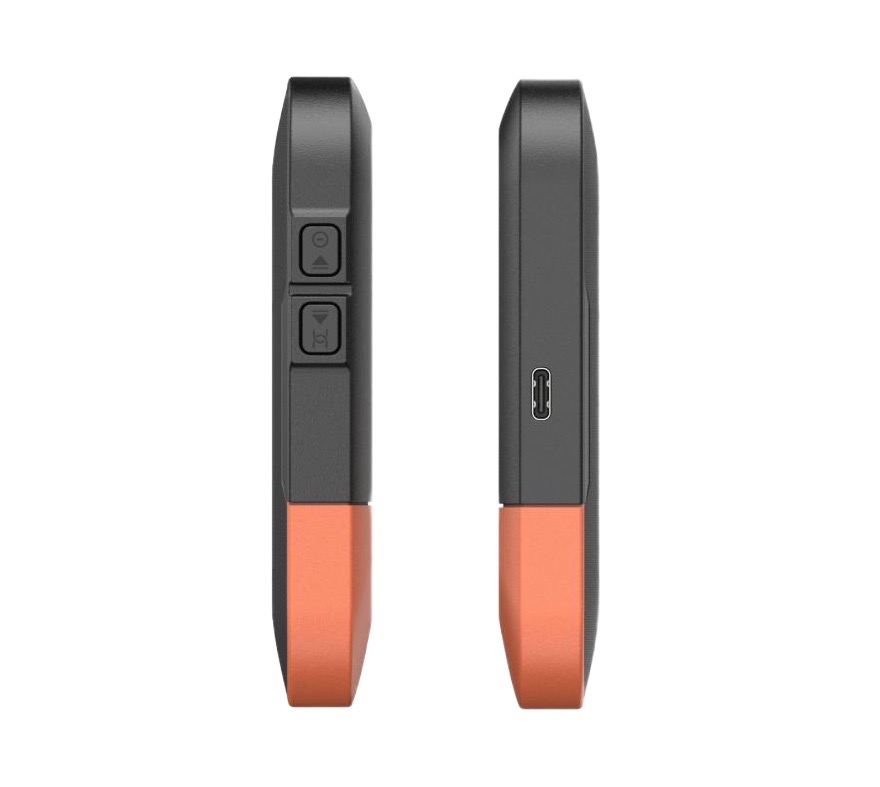
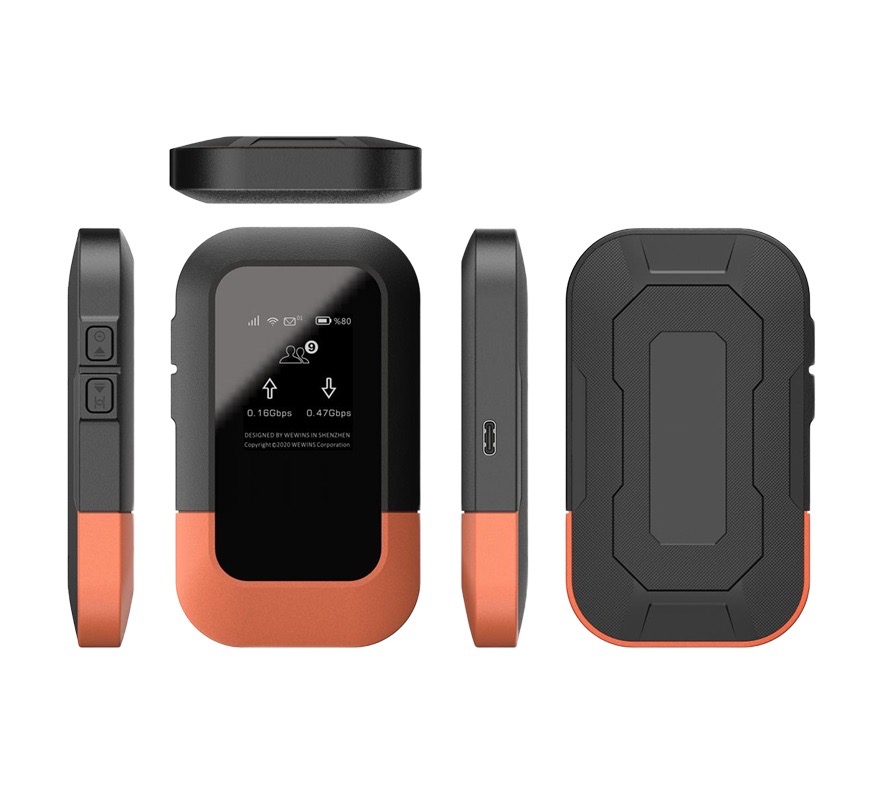
M47-Portable 4G LTE MiFi
- High-Speed Connectivity:
Powered by 4G LTE Cat4, the router delivers up to 150 Mbps download and 50 Mbps upload speeds for smooth online experiences. - Global eSIM Coverage:
Get seamless 4G access in 100+ countries without SIM-swapping or roaming fees - Low-Cost Voice Service:
With our 4G LTE MiFi router, you can convert unused voice minutes into affordable, reliable international calls. - Multi-Device Support:
Connect up to 10 devices at the same time, including laptops, smartphones, iPads, tablets, and gaming consoles. - Portable Design:
This compact 4G MiFi hotspot is lightweight, travel-ready, and features a 3000 mAh removable battery that lasts up to 12 hours.
M47 | Portable 4G LTE MiFi with Nano SIM & eSIM
Product Overview
Go Anywhere. Connect Everywhere.
The Wewins M47 is a compact and reliable 4G LTE MiFi hotspot router designed to deliver secure, high-speed internet wherever you go. Perfect for travel, remote work, or temporary setups, it combines dual-band Wi-Fi 6, wide LTE coverage, and a 3000 mAh battery for up to 12 hours of continuous connectivity.
With support for both Nano SIM and global eSIM, the M47 4G MiFi hotspot ensures flexible, seamless access to 4G networks in over 100 countries. Its plug-and-play design makes it the ideal choice for professionals, field teams, and mobile deployments.
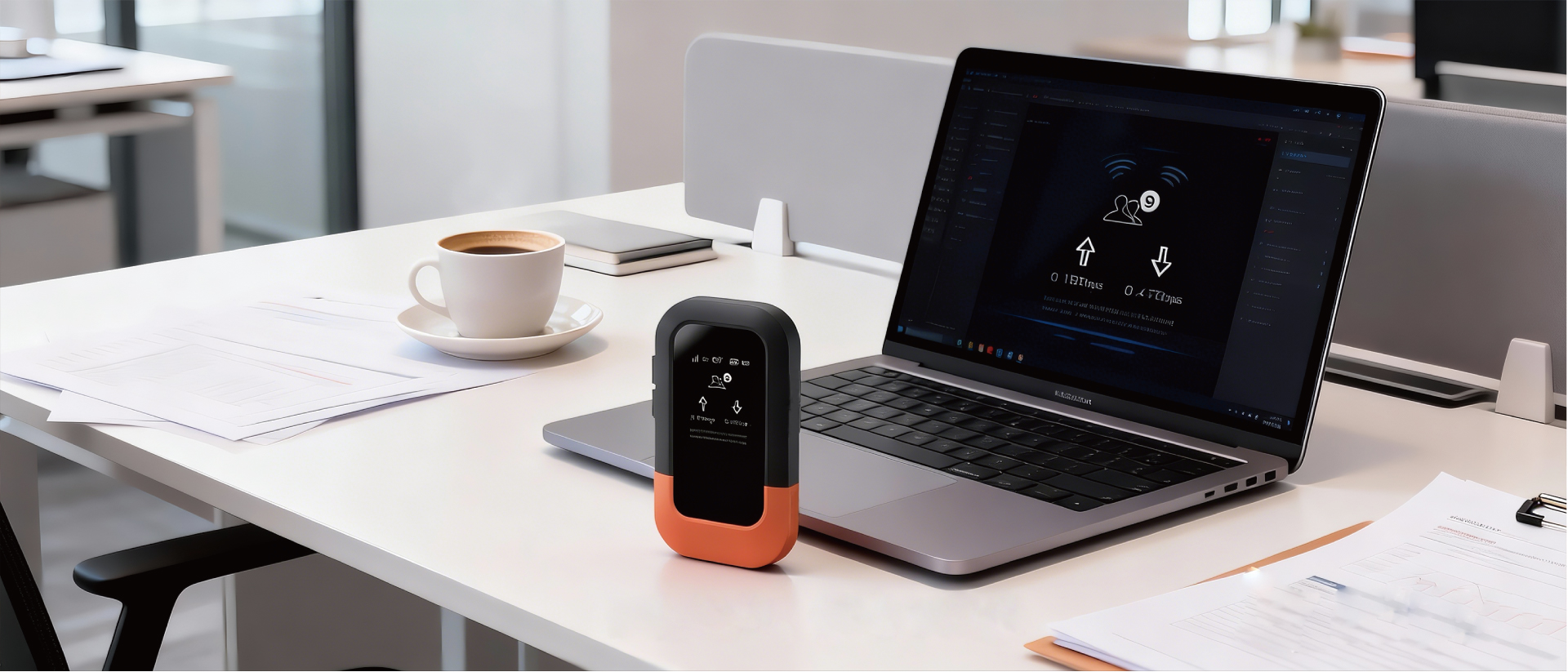
Key Features of Wewins 4G LTE MiFi Router

SMS

Dual-band Wi-Fi 6

Multi-device support
long battery life

support for global connectivity

Call function
Application Scenarios
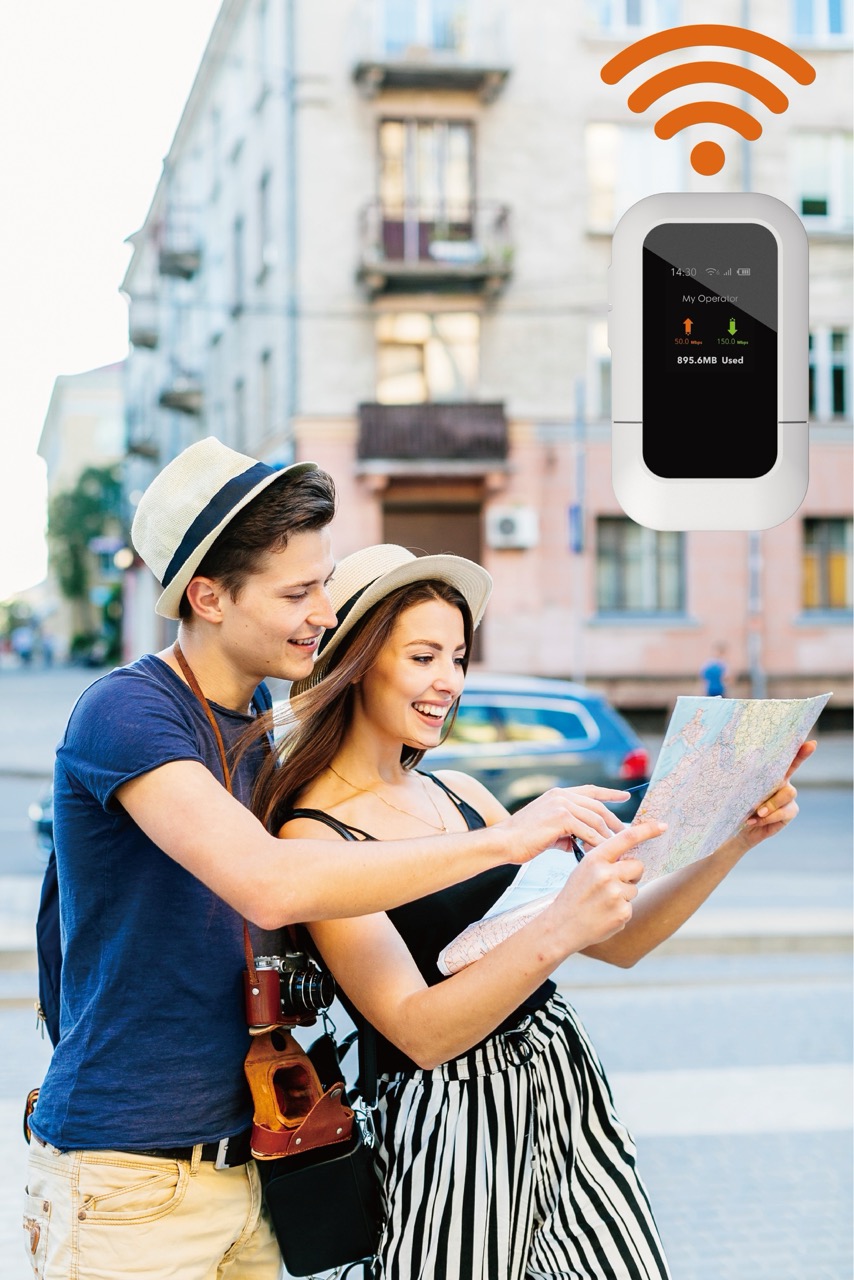
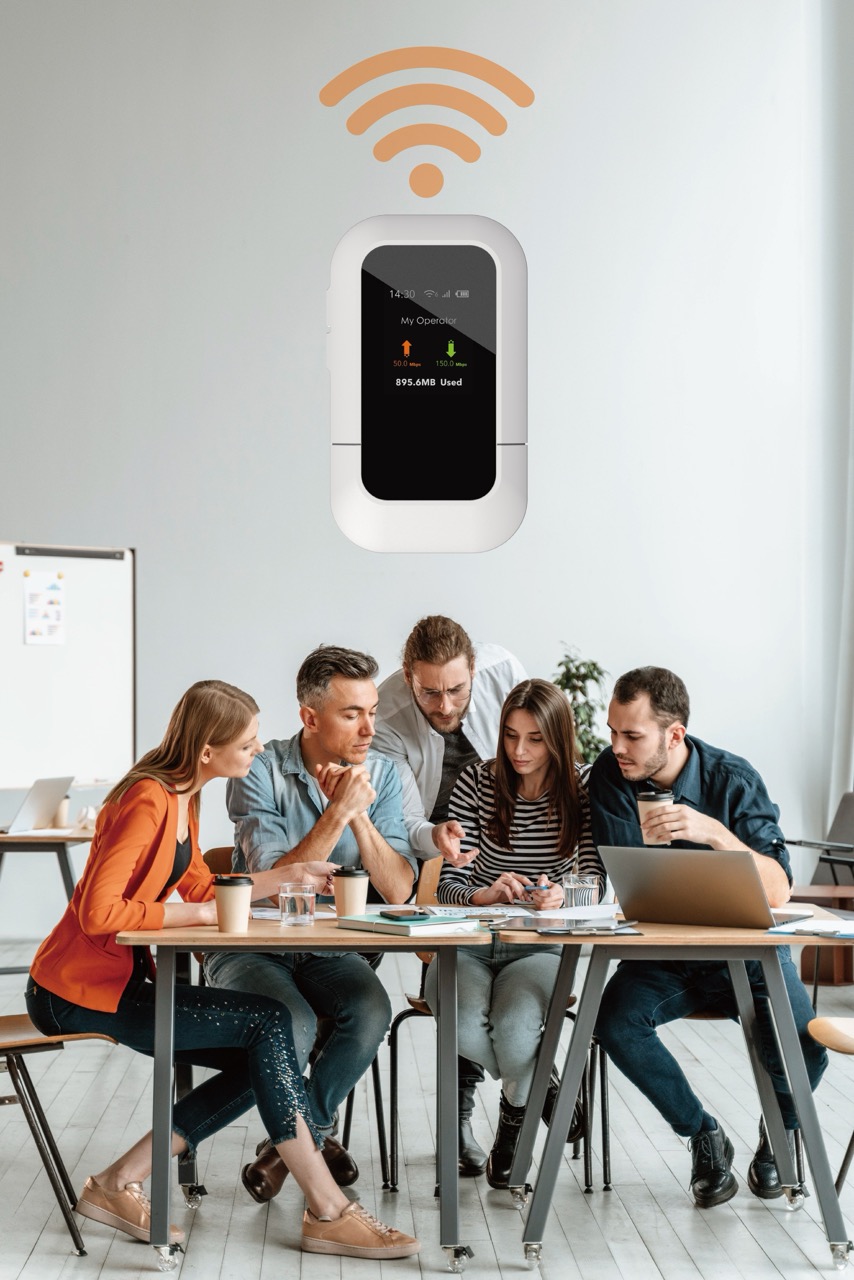
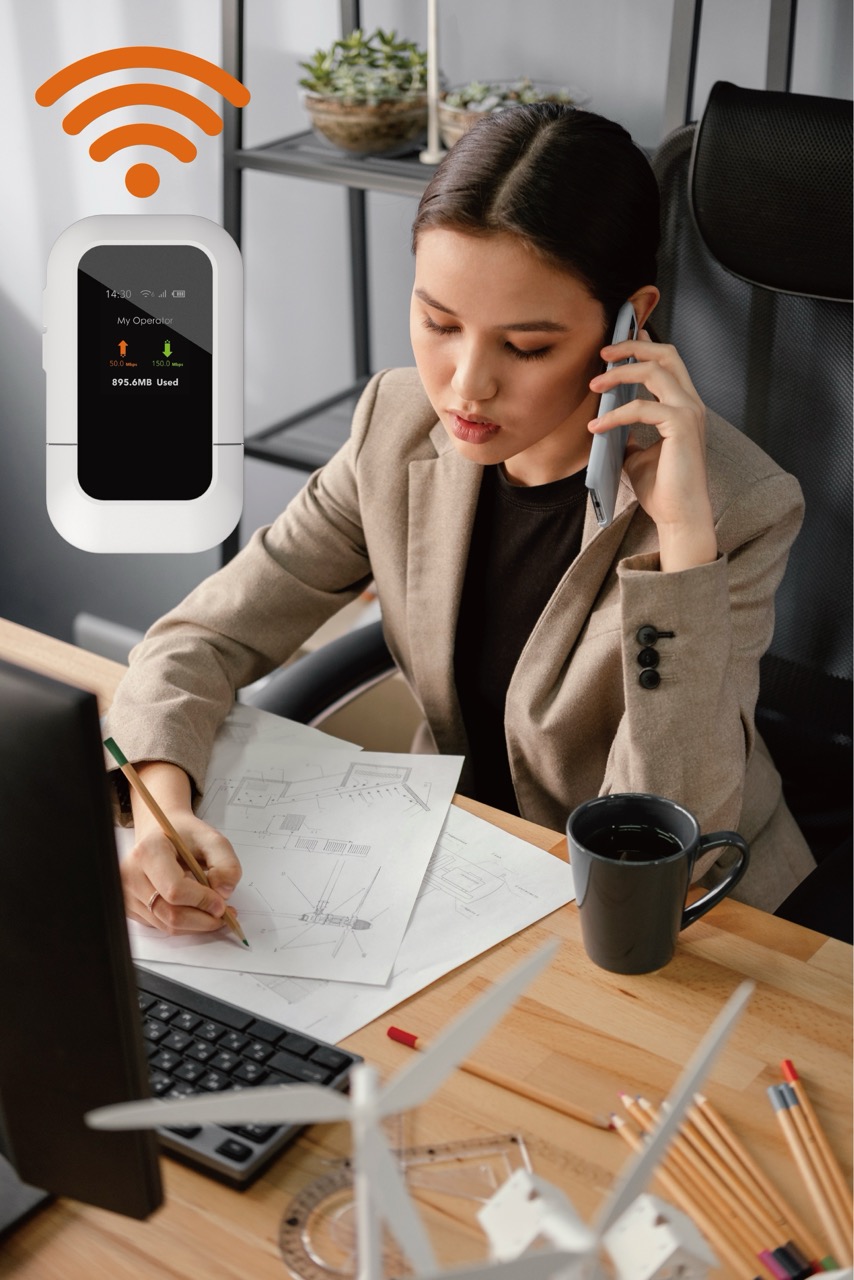
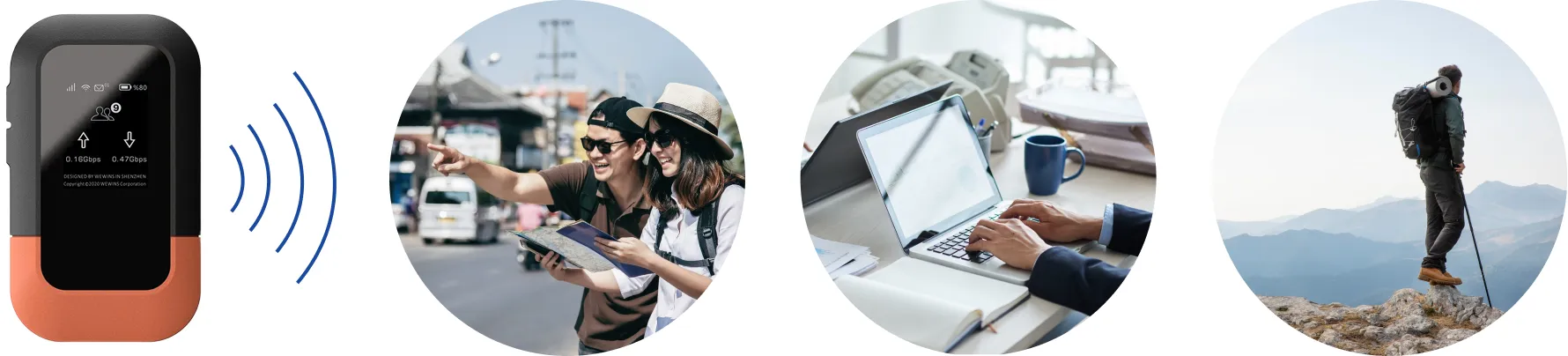
Versatile connectivity for mobile and professional use:
- Business Travel & Remote Work
Stay productive anywhere with stable LTE connectivity for laptops, tablets, and conferencing tools. Ideal for : international travel, remote calls, VPN access, email workflows, portable office setups. - Construction Sites & Field Engineering
Deploy instant temporary networks for onsite communication project coordination, and digital tools-without relying on fixed broadband. Support:contractor teams, survey devices, handheld terminals, wireless monitoring. - Pop-up Stores, Exhibitions & Events
Enable secure, high-speed internet for POS systems, QR payments, smart signage, and staff devices. Great for: weekend markets, roadshows, brand events, demo booths, and temporary retail setups. - Emergency & Backup Internet
Provide reliable failover connectivity during fiber outages, natural disasters, or network interruptions. Suitable for: SMEs, home offices, IT troubleshooting, and critical service continuity. - Outdoor Media Production & Live Broadcasting
Support mobile video uploads, real-time content sharing, and multi-device connectivity for field reporters or content creators. Use cases: live streams, drone teams, photography crews, interview kits.
Why Choose WEWINS M47?
As a trusted 4G LTE MiFi router manufacturer,WEWINS delivers the M47 with portable yet powerful performance for modern connectivity needs:
- Portable performance with carrier-grade LTE
- Dual-band Wi-Fi 6 for wider coverage and higher speed
- Flexible Nano SIM & eSIM support for global travel
- Long-lasting 3000 mAh battery for mobile deployments
- Smart Ad Management for remote campaign control
- Perfect for mobile professionals,businesses,and emergency teams
Frequently Asked Questions
Please ensure the battery is not exhausted.Charge the M47 and try again.Make sure to charge the MiFi 4G LTE router within the safe temperature range of 0℃~40℃.
① Check whether the SIM card is installed correctly,and whether there’s a signal in the area where the 4G LTE MiFi hotspot router is being used(refer to network status).
② Ensure that the mobile data balance of the SIM card is sufficent.
③ lf the issue persists,please contact after-sales.
① Ensure that the SSID and password are correct (case sensitive).
② Ensure that MAC address filtering is disabled.
③ If the issue persists, please press the reset button to restore the factory settings.
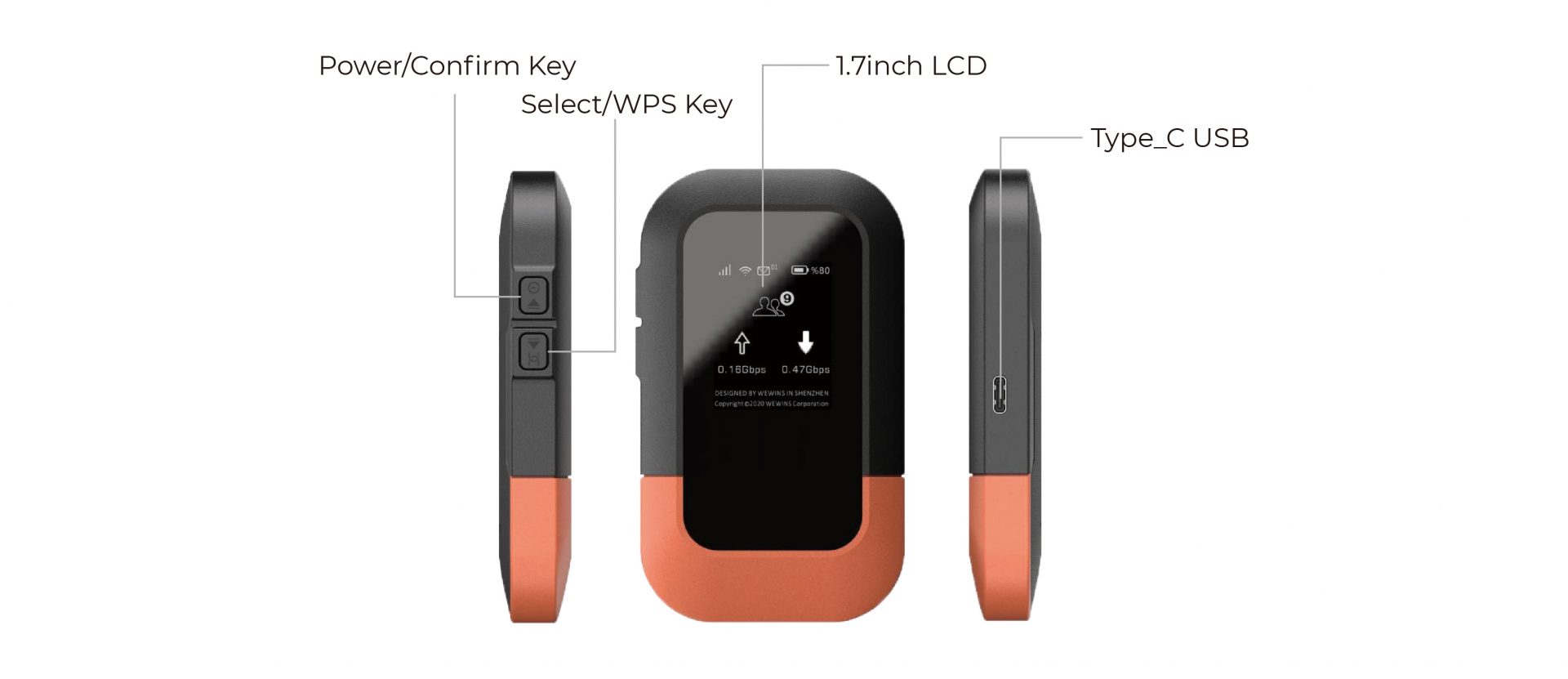
Press the reset button to restore the device to factory settings.The default SSID and password are displayed on the LCD “WiFi CFG” menu of your 4G LTE mobile hotspot router.
Check whether the power adapter and USB cable function properly. It is recommended to use a power adapter with an output of 5V/1A in combination with the original USB cable.
Specifications
| Item | Description |
| Cellular rate | DL 150Mbps, UL 50Mbps |
| Display | 1.77 Inch TFT LCD |
| Battery | 3000mAh |
| Wi-Fi Standard | Wi-Fi 6 |
| Max Wi-Fi Connections | 10 |
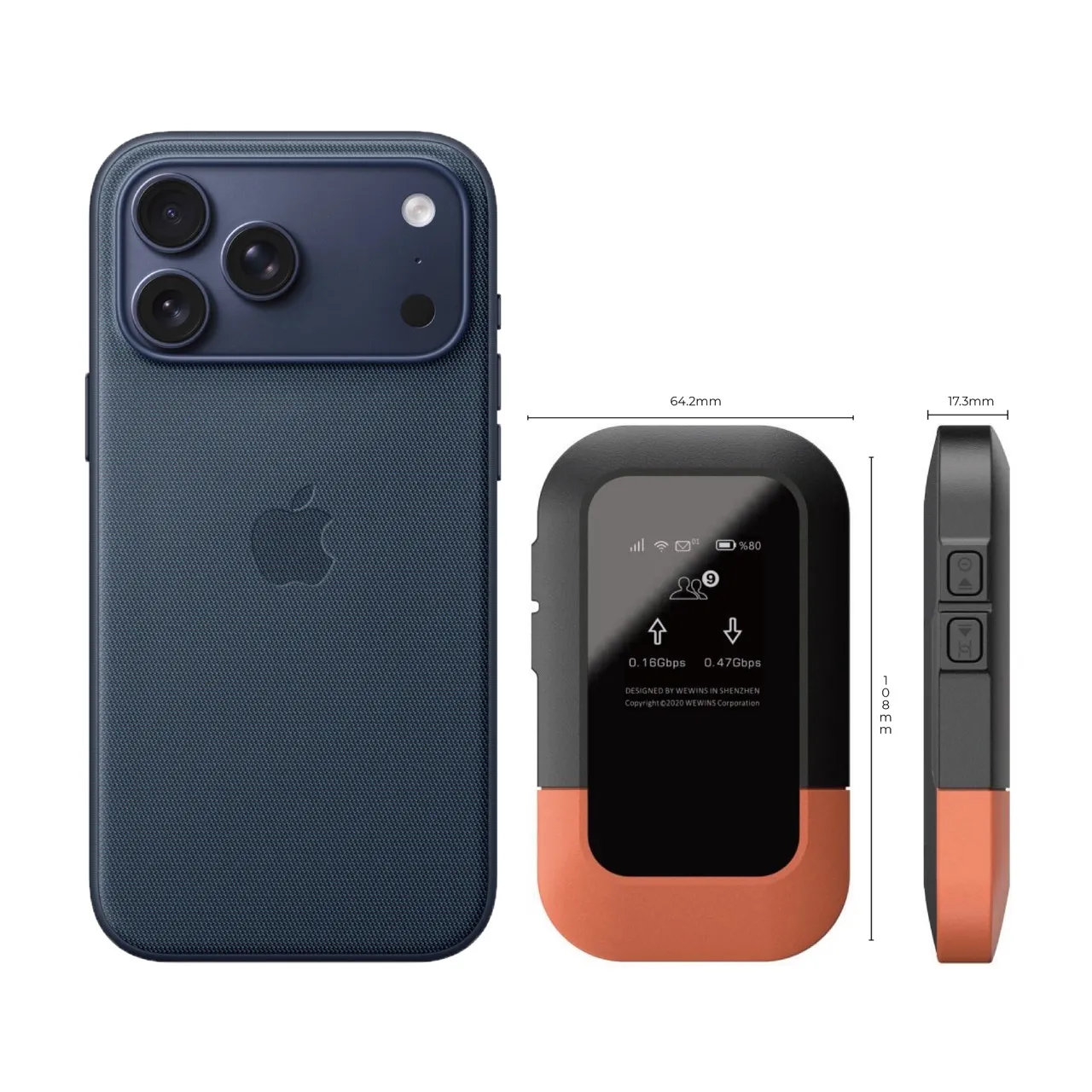
| Dimensions | 108×64.2×17.3mm |
| Weight | 110g |
M47 Technical Documentation & User Guide
M47 4G LTE Mobile WiFi Technical Manual
Download the complete technical documentation and user guide for the Wewins M47 4G LTE Mobile WiFi device, including hardware specifications, usage instructions, and configuration overview for travel, remote work, and temporary connectivity.
This document includes:
- Supported LTE bands and wireless performance overview
- Hardware specifications and interface layout
- Battery, charging, and power management guide
- Web UI / basic configuration instructions
- Typical use cases: travel, backup internet, and mobile offices
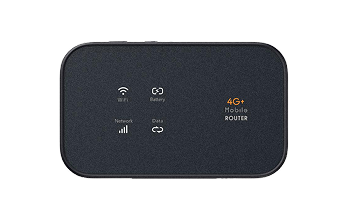
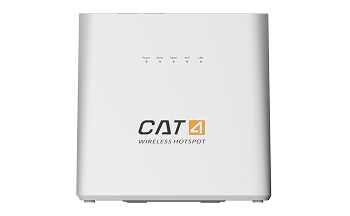
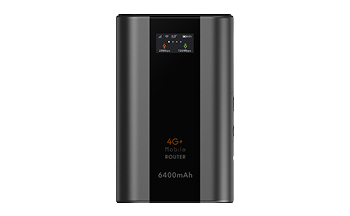
Prefer a more compact,screen-free MiFi?
Check out the Wewins M25 — an ultra-portable CAT4 LTE MiFi for travel,commuting,and minimalist use,crafted by a leading 4G LTE MiFi router manufacturer.
Get a response within 24h
 English
  Français
  العربية
  Español